
// overview
Visor Boot Manager
A minimal, fast, graphical UEFI boot manager written in C.
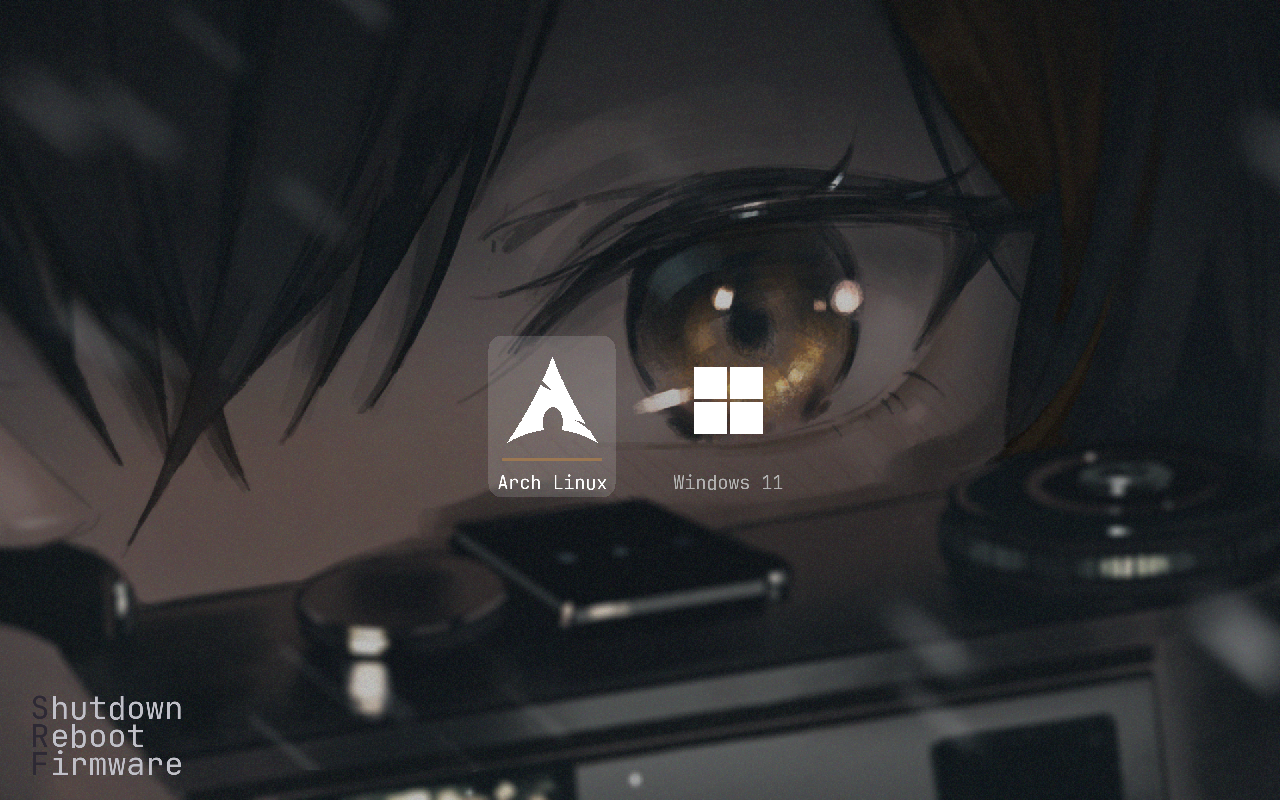
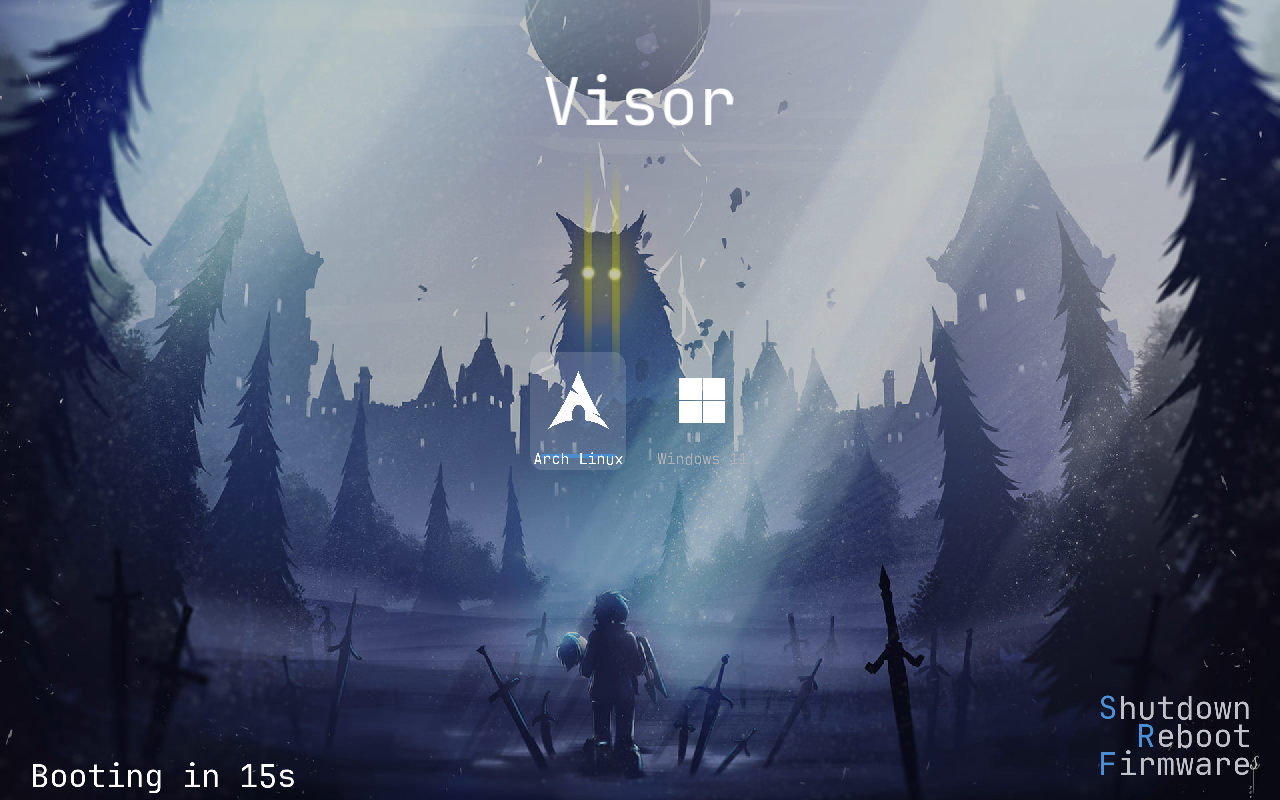
Visor draws an icon-based boot menu that boots Linux (EFI-stub kernels and Unified Kernel Images), chainloads any EFI executable (including the Windows Boot Manager), and stays intentionally small.
Highlights
Graphical menu
Double-buffered, flicker-free GOP rendering — animations, mouse/touch, frosted blur, themes, live clock and idle screensaver.
Zero-config boot
No boot.conf? Visor auto-detects Windows, UKIs, plain kernels and distro loaders — and derives a working kernel cmdline on its own.
Live USB hotplug
Plug a bootable stick in while the menu is open and it animates in. Unplug it and it slides back out — pinned to its volume handle.
File browser
Press B in the menu — or browse in the recovery shell — to list every readable volume and boot any kernel, initrd or .efi on the spot.
Encryption
Kernels and initrds as VISORENC containers; one password decrypts them and can also unlock a LUKS root via an in-memory keyfile.
Snapshots & OSTree
Browse snapper/Timeshift/plain btrfs snapshots and OSTree deployments — one-shot boot from the menu, no live USB needed.
Accent colors
Material You palette extracted from the wallpaper in Q16 fixed-point — no float, no libm — with 7 variants.
Measured boot
TPM2 PCR 5 for boot.conf, PCR 12 for the cmdline, plus Boot Loader Interface (Loader*) for bootctl interop.
Wallpapers
PNG/BMP plus animated GIF and MJPEG MP4/MOV — or compact VBG (tiled delta + motion, 10–20× smaller) via visor convert --vbg.
Cross-platform
x86_64 and AArch64 UEFI from one tree, arch-neutral GUI core, calibrated TSC / generic-timer clock.
Debuggable
Self-pruning boot.log per boot, plus TPM and Loader variable tracing; recovery console on failure.
Quick start
curl -fsSL https://raw.githubusercontent.com/IO-ZetZor/Visor-BootManager/main/get.sh | shThat installs build dependencies for your distro, clones the source, builds
visor_x64.efi, and installs it to your EFI System Partition. See
Install & Run for manual and advanced installs.
How it works, in one paragraph
Firmware loads \EFI\visor\visor_x64.efi. Visor brings up the arch clock and marks LoaderTimeInitUSec, initializes graphics, loads EfiFs drivers deferred, parses \EFI\visor\boot.conf (or auto-detects — BLS → Windows → UKIs → raw kernels → distro loaders) and derives a cmdline (UKI .cmdline → /etc/fstab → GPT). If a TPM is present it measures boot.conf (PCR 5) and publishes Loader* vars, then draws the menu — live clock, frosted blur, accent palette from the first wallpaper frame, hotplug watch and screensaver armed. When you pick an entry it measures the cmdline (PCR 12), marks LoaderEntrySelected, then loads the image — decrypting VISORENC, verifying SHA-256 / SHIM_LOCK, injecting a LUKS keyfile via LoadFile2 — and hands over via LoadImage/StartImage or the Linux handover. Every step logs to boot.log; failure lands in the recovery console. The full picture is in Architecture.
Project facts
| Language | C (freestanding, gnu-efi), fixed-point math only — no float, no libm |
|---|---|
| Targets | x86_64 UEFI (visor_x64.efi), AArch64 UEFI (visor_aa64.efi) |
| License | BSD 2-Clause |
| Author | IO-ZetZor |
| Repository | github.com/IO-ZetZor/Visor-BootManager — … stars and counting |
| Latest release | … () — see Versions |